Did you know that my full time “real” job is working as an Art Director and graphic designer? Yep, along with painting, sanding and crafting, I spend most of my days playing around with Photoshop.
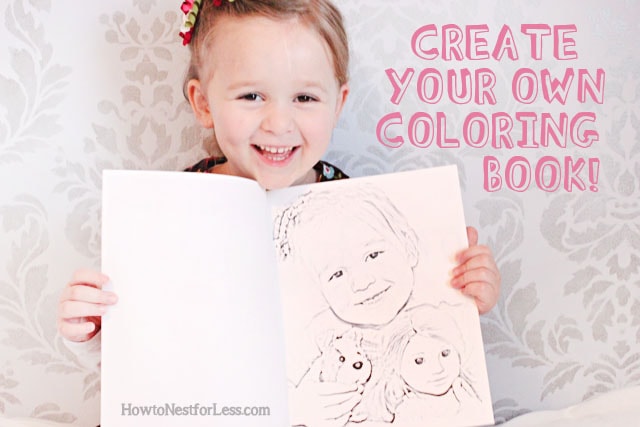
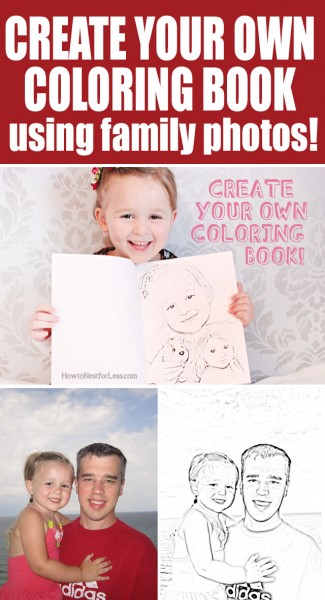
Well today I thought I would show you one of my favorite little tricks with your family photos… make a personal Kids Coloring Book!
 Here’s what you’ll need:
- 10 or so family photos
- Photoshop or Photoshop Elements
- Printer with black ink
First thing you need to do is find 10+/- photos that you’d like to use. Some ideas might be photos of your kids on vacation, your pets, your kiddo’s favorite stuffed animals or toys.
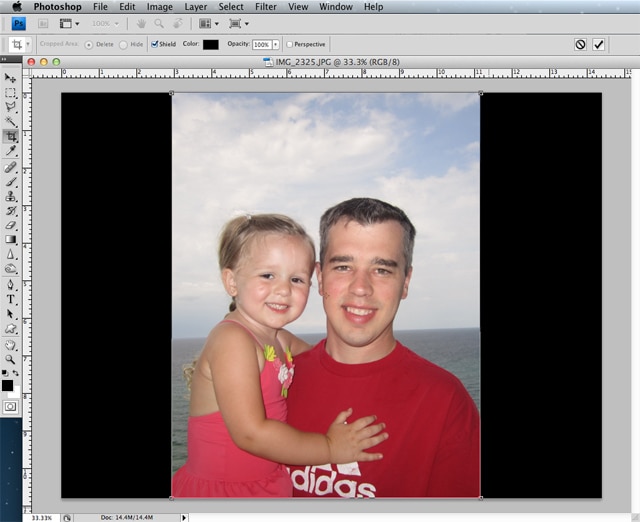 Crop down the photos to 8 inches wide by 10.5 inches tall. This will help all your pages be in unison and give you a nice, clean quarter-inch border around each page when you print on letter-sized paper.
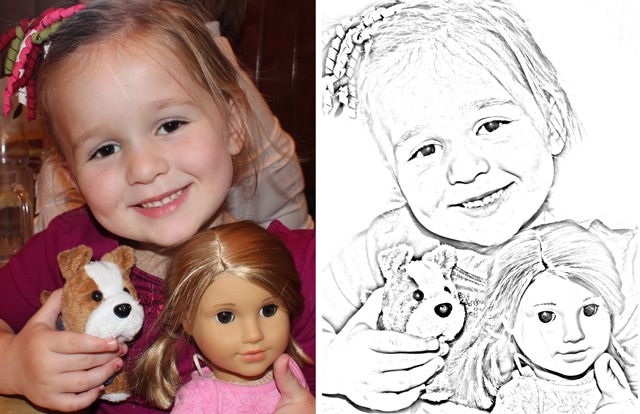
 Next you’re going to find the Photocopy filter in Photoshop. Before you begin, make sure your color palette is set to black and white. Then go to Filter > Sketch > Photocopy.
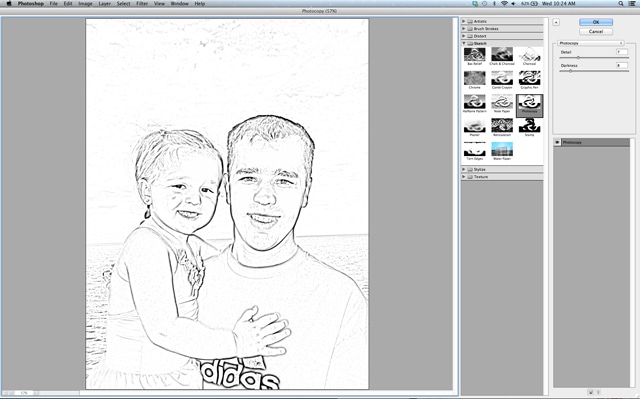 A new window will pop up with your photo adjusted. You can play around with the Detail and Darkness to get the perfect effect. When finished adjusting, click OK.
And here’s the final result…
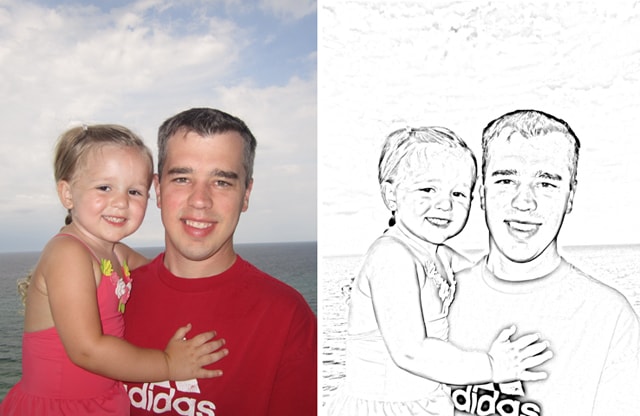 Pretty cool, right? Just make sure you adjust each photo separately since the darks and lights are different in every photograph. Also, if you have a little gray spotting that you’d like to get rid of, just use an eraser to clean it up!
 Once you’re done adjusting all of your photos and you’ve saved them to your desktop, print them out in black ink on your computer’s printer. If you’d like, create a fun family cover and staple the book together.
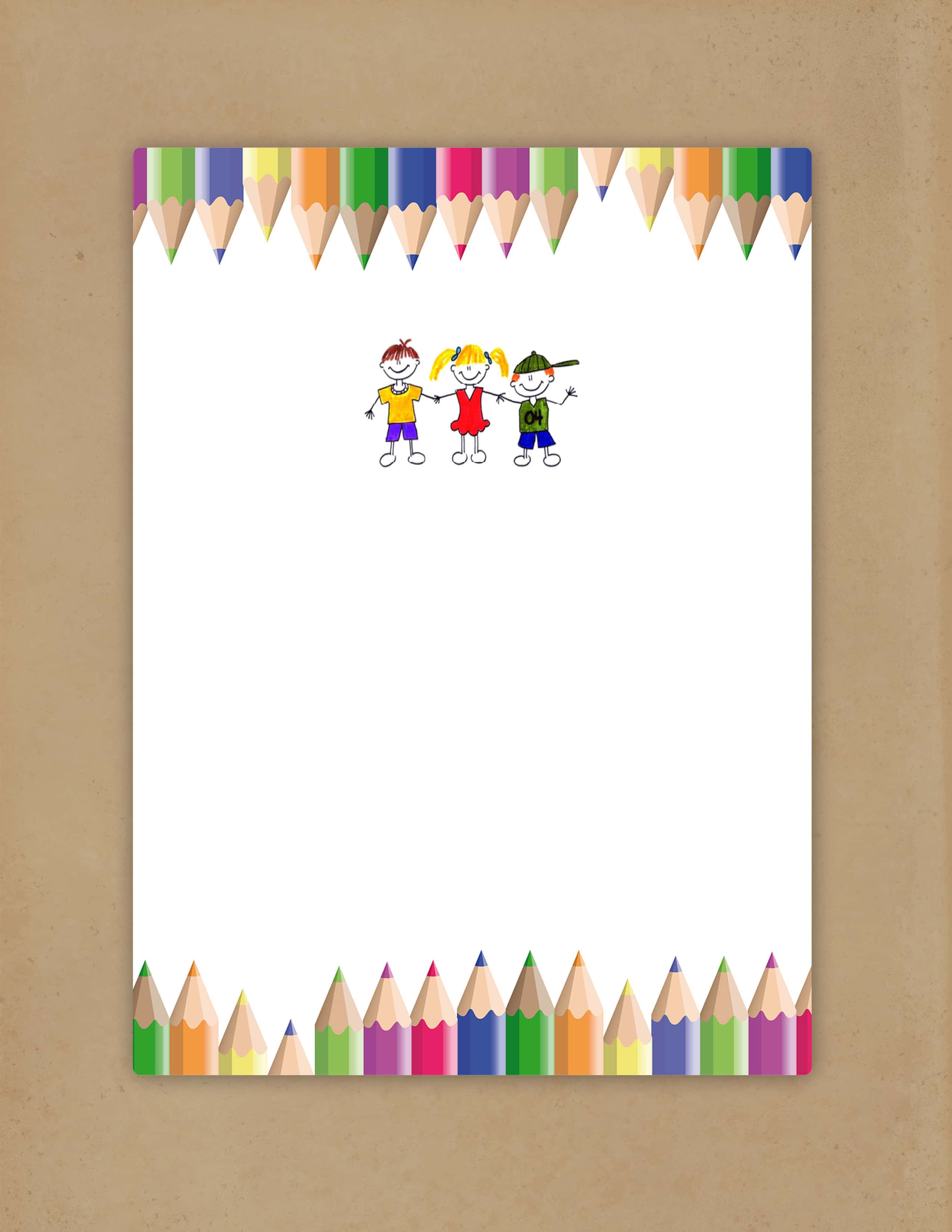
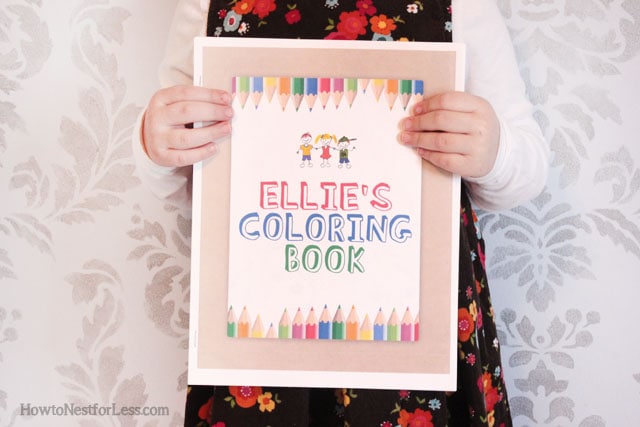 And you can even download the cover art for free! Just save the file below to your desktop and edit in your graphics program. The font I used for my daughter’s book is called Blockhead and I downloaded it for free from Dafont.com.
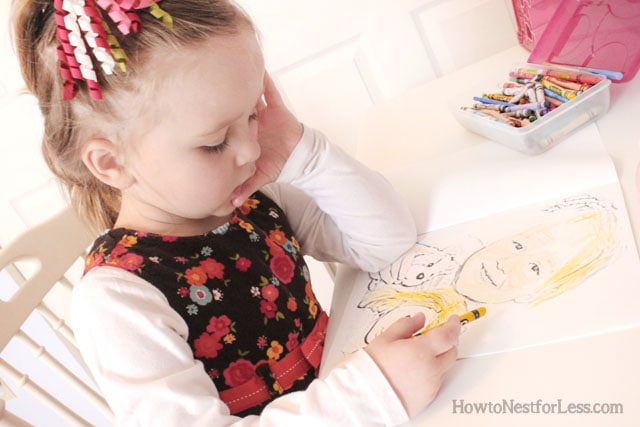
 Yep, pretty cool {and cheap} project. Great for long car rides or rainy days! Or maybe even a fun gift idea…
HOPE YOU ENJOY!

Eva Marie Scott says
That’s such a cool idea! I’ve been thinking of making a quiet time box for my son and this would be fun to put in there!
howtonestforless says
I’ve been making these for a couple of years for my daughter and love going back through them 😉
June Orr says
This was a wonderful idea and was presented in a way that was easy to understand. I am always looking for unique crafts, things to do and this one was perfect. Thank you for sharing this.
Angela says
A very interesting idea!
Alisa says
How would you recommend going about this without photoshop?
howtonestforless says
Sorry, not quite sure how you can do this without Photoshop! I know you can download a program called GIMP that’s almost exactly like Photoshop. Download is FREE!
Mike says
Photoshop is such an overkill to do this.
I used to use pixlr, which is a free online image editor, to create my own coloring pages until I came across Sketchpen (http://www.matchwoodstudio.com/sketchpen), which makes it really easy to turn any images into pencil sketch as coloring books. Of course, this is only that you have a Mac computer.
howtonestforless says
Thanks for the tip Mike!
Lisa @ The Wellness Wife says
I’m pinning this for if I ever get Photoshop. This is the cutest idea ever!
howtonestforless says
Thanks Lisa! You can download GIMP for free. It’s basically a free version of Photoshop 😉
Lisa @ The Wellness Wife says
Thanks! I’ll definitely do that. So glad I saw this post!
Julia Paniccia says
I would love to put together a few of these books for my nieces and nephews for Christmas. I don’t have photoshop or a good computer to edit photos. Do you happen to know anyone or do you offer to make them for a fee? I tried to check Etsy. Any help would be appreciated! Thanks!
howtonestforless says
Sorry I don’t know anyone, but you can download GIMP for free that is basically a free version of Photoshop. Hope that helps and good luck!
Jaime says
Cool