If you’re anything like me, you’re kinda obsessed with your iPhone. Yeah, like glued to your hand at all times obsessed. I use mine a lot for work and my blog, but there’s also some fun and useful little apps I thought I’d share with you today.
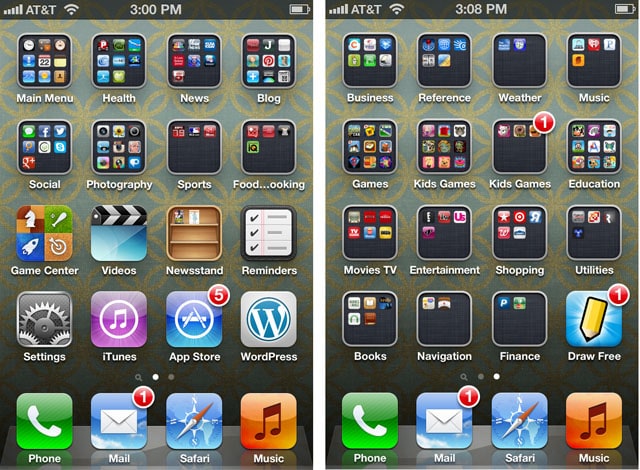
First here’s some screenshots of my iPhone homescreen. Yep, I organize everything into folders. I’m kinda a neat freak like that.
___________________________________________________________
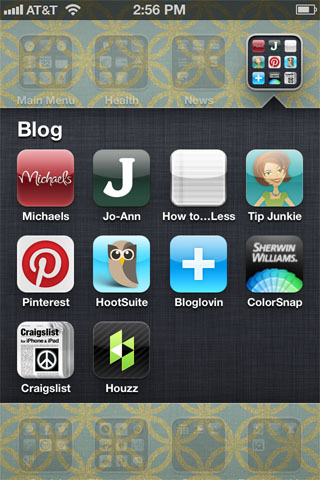
One of my favorite folders of course is “Blog”. Make sure you download the Michael’s & JoAnn’s apps for coupons (I always have trouble remembering to cut them out of the paper).
Also, if you haven’t used Sherwin Williams ColorSnap app yet… ohmigoodness, it’s awesome. Take a pic and it will give you paint colors to match. Or you can just get color palette ideas. Very cool stuff.
___________________________________________________________
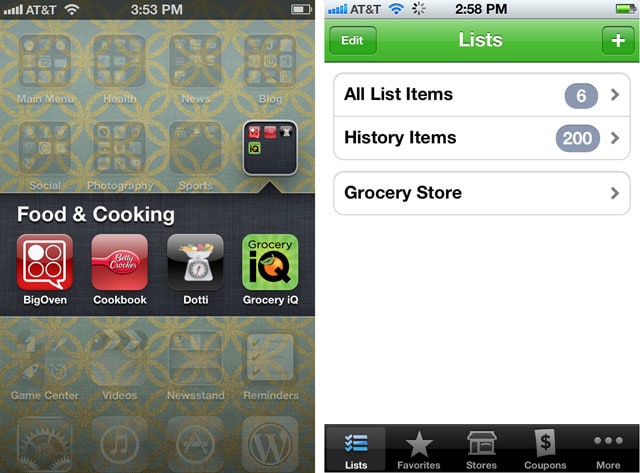
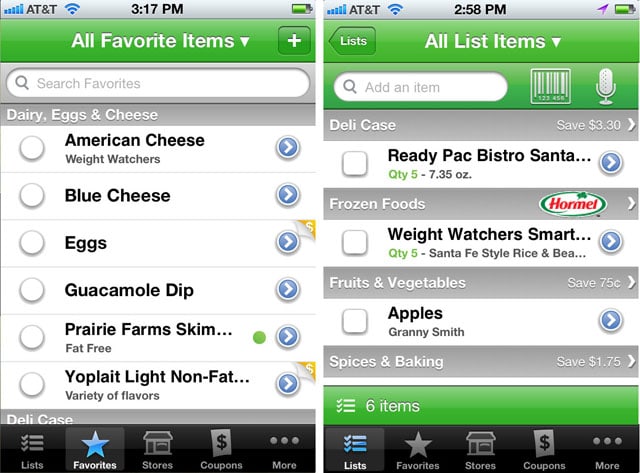
My favorite app under my Food & Cooking folder is Grocery IQ. Never forget anything from the store again! Just add items to your list: either start typing in a name and it will autofill for you, or you can scan a product’s barcode to add it to your list. You can also mark your Favorites for those items that you purchase most, or you click on the Coupons tab for some great deals.
___________________________________________________________
I have a couple of favorite apps under the Health folder.
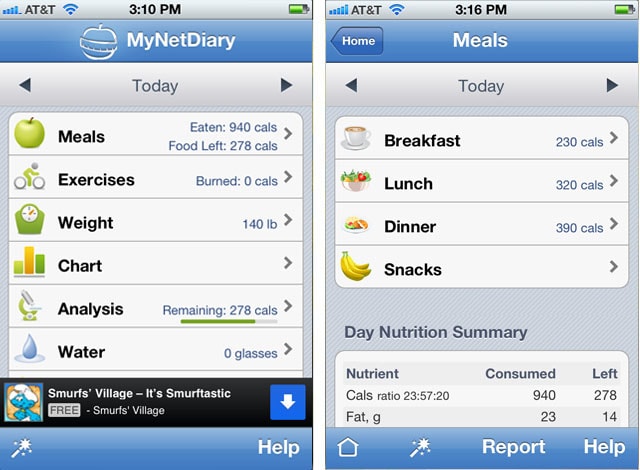
 The first one is MyNetDiary (thanks to my neighbor for showing me this one!). I can keep track of my meals & calories, exercise weight, water consumption and more. I’ve tried a bunch of these diet apps, and this one is my favorite by far!
___________________________________________________________
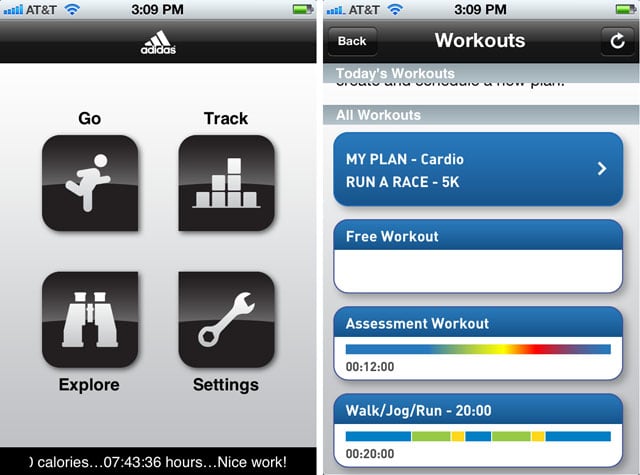
I also really love the MiCoach app from Adidas. You can track your daily runs through the phone’s GPS (or while walking/jogging/running on your treadmill if you’d like). You can even have a song playlist for this app while working out. Love that.
___________________________________________________________
For my business, one of my favorite apps is TurboScan. Just take a pic with your iPhone of a document and it turns into a scan! And not some grainy, pixelated document… but an actual high resolution PDF. I’m super impressed with the quality thus far. You can even fax your scan if you download an app like JotNot Fax (99¢ per fax). Do I sound a little dorky for liking these apps?

___________________________________________________________
OK, here’s tons of app I use under the Photography folder (Instagram of course), but some of my favorites are the off-the-wall stuff.
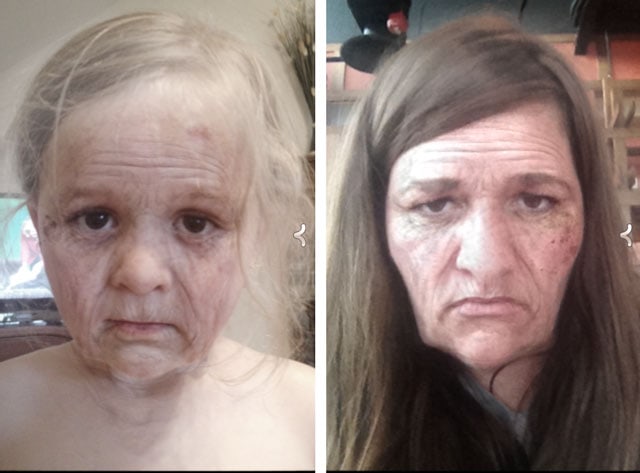
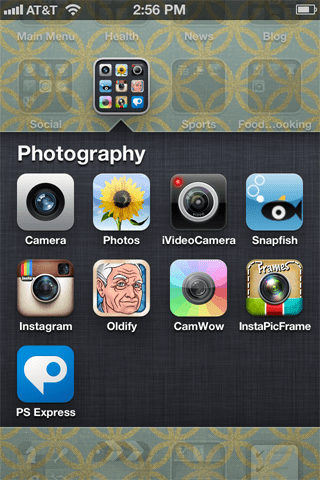 Take Oldify for example. I have no idea who first told me about this app, but it’s hilarious and creepy at the same time. No, I don’t normally look like this… ok, maybe a little in the morning. The photos also move around and blink. Yeah, like I said, creepy. Oh, and make sure you check out CamWow, too. Hilarious, kid-friendly app for distorting faces.
___________________________________________________________
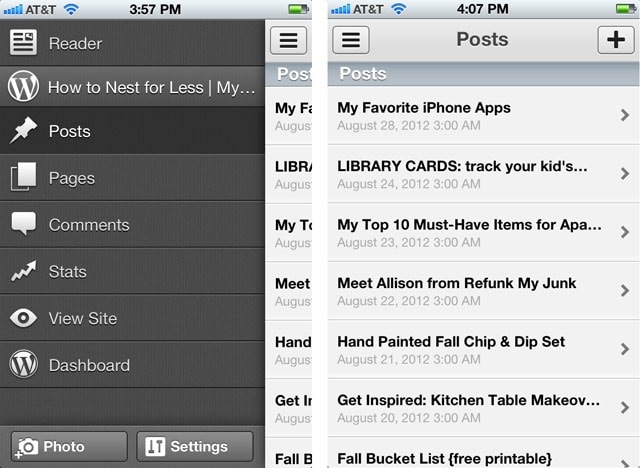
And of coures from my Home Screen I have the WordPress app (my website program). Here I can update all of my posts, check my stats, approve & reply to comments, and navigate any other thing I might need from my Dashboard. It’s a lifesaver at times!
Whelp, that’s it for my Favorite iPhone apps.
Also have to quickly mention Craigslist (for easy posting and searching), Pinterest (no explanation needed here), AroundMe (find restaurants, banks, movie theaters, hotels and more nearby), and Mint.com (keep your finances and budgets in order).
WHAT ARE SOME OF YOUR FAVORITE SMART PHONE APPS?

Handmade by Hilani (@HandmadebyHilan) says
I must talk to you in my sleep because I thought of searching for the best smart phone apps, over the next week or so, because I’ll be ordering, and joining the iPhone world. 🙂 Great Post Erin. (PS: today’s the day for your gooey post over @ Handmade by Hilani, thanks again!
Rebecca says
So funny that you posted this now!!!
I am getting an iphone on Saturday and was just looking up best apps.
Thanks so much!!!
howtonestforless says
You’re welcome Rebecca. Good luck with your new phone!
SJ@Sweeter Still says
Super helpful post! I had no idea there were apps for Michaels and Jo-Anns and it would literally be the end of time before I remembered to cut out one of their coupons. Downloaded those stat. I really like XnViewfx for photo fun. It has some really unique editing options like one that turns your photo into a pencil drawing. It has regular editing options too but the crazy ones are pretty fun to play around with!
Jenna, SAS Interiors says
You definitely have shared a few great new apps that I had no idea about + inspired me to get my apps organized. Thanks Erin!!
Christa says
Can you receive faxes with JotNot Fax app?
howtonestforless says
No, I don’t think you can receive faxes in JotNot. Only send them out!
Ayden says
Thanks for the list! I’ve been looking for some awesome weight loss apps to get me back in shape, so I’ll definitely have to check out the ones you mentioned. As far as a few other apps go that you talked about, I’d also have to agree about them being my favorites. When it comes to my most used app though; I give it to Dish Remote Access. I travel a lot for my job at Dish, so having entertainment with me on the go is a huge must. That’s why I use that app the most because it lets me watch all of my favorite TV shows on the go, live or recorded, anywhere I go in the world! 🙂
Dorothy says
Thanks so much for your great ideas on new apps. I am a newbie on my iPhone: how do you create those folders in order to organize your main screen? I just have the basics. Thanks for any help!
howtonestforless says
Hey Dorothy: press your finger down on one of your apps until they all starting “shaking”. Then you can drag one app on top of another and it will automatically create a folder for you that you can rename. Hope that helps!